Max Tier Feature
GovDash Pricer is a Max tier feature, but includes one free usage every rolling 30 days. Please reach out to your Account Manager or email support@govdash.com to subscribe or get more information.
The Pricer Dashboard allows you to easily track your ongoing (or completed) Pricer workbooks.
Pricer Phases
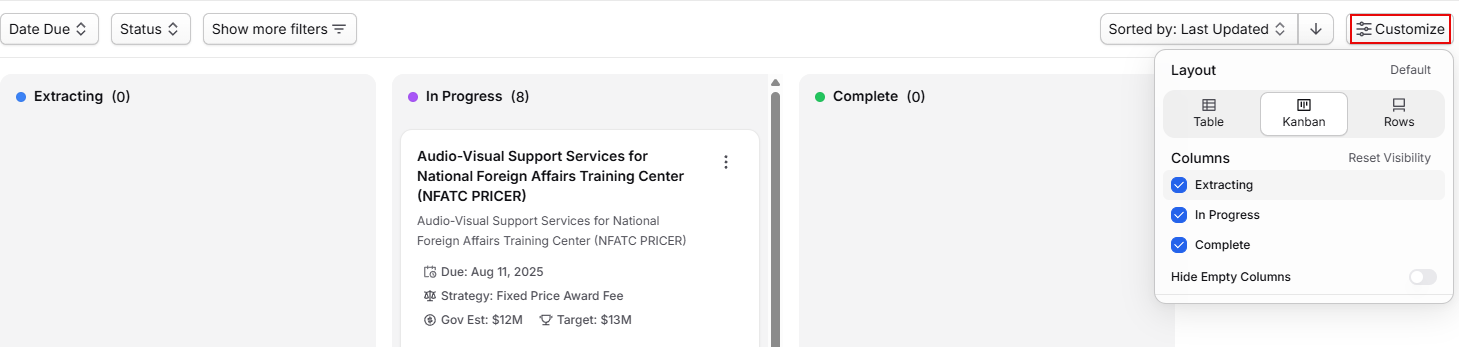
Pricer phases are fully customizable and allow you to define and track your pricing workflow to completion. You can click and drag workbooks through phases in the Kanban view, or change views to Table or Row under Customize to suit your preference.
Creating New Workbooks
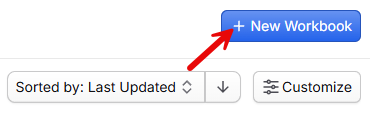
To create a new Pricer workbook, select New Workbook in the top right corner. You will be provided with a list of your currently active opportunities, or the chance to create a new opportunity at the bottom of the New Workbook menu using the Create New Opportunity button.
Adding a new workbook will start the Pricer extraction process and initialize Pricer on an opportunity, allowing you to begin using Pricer on your opportunity.
Archiving Workbooks
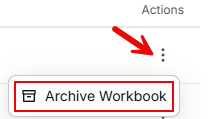
Once your opportunity has come to its conclusion, you can archive it to hide it from the current view by selecting Archive Workbook under the Actions menu on the Kanban card or table row.
Your workbook will be sent to the Archive, which is accessible using the Archive button in the top right of the dashboard.