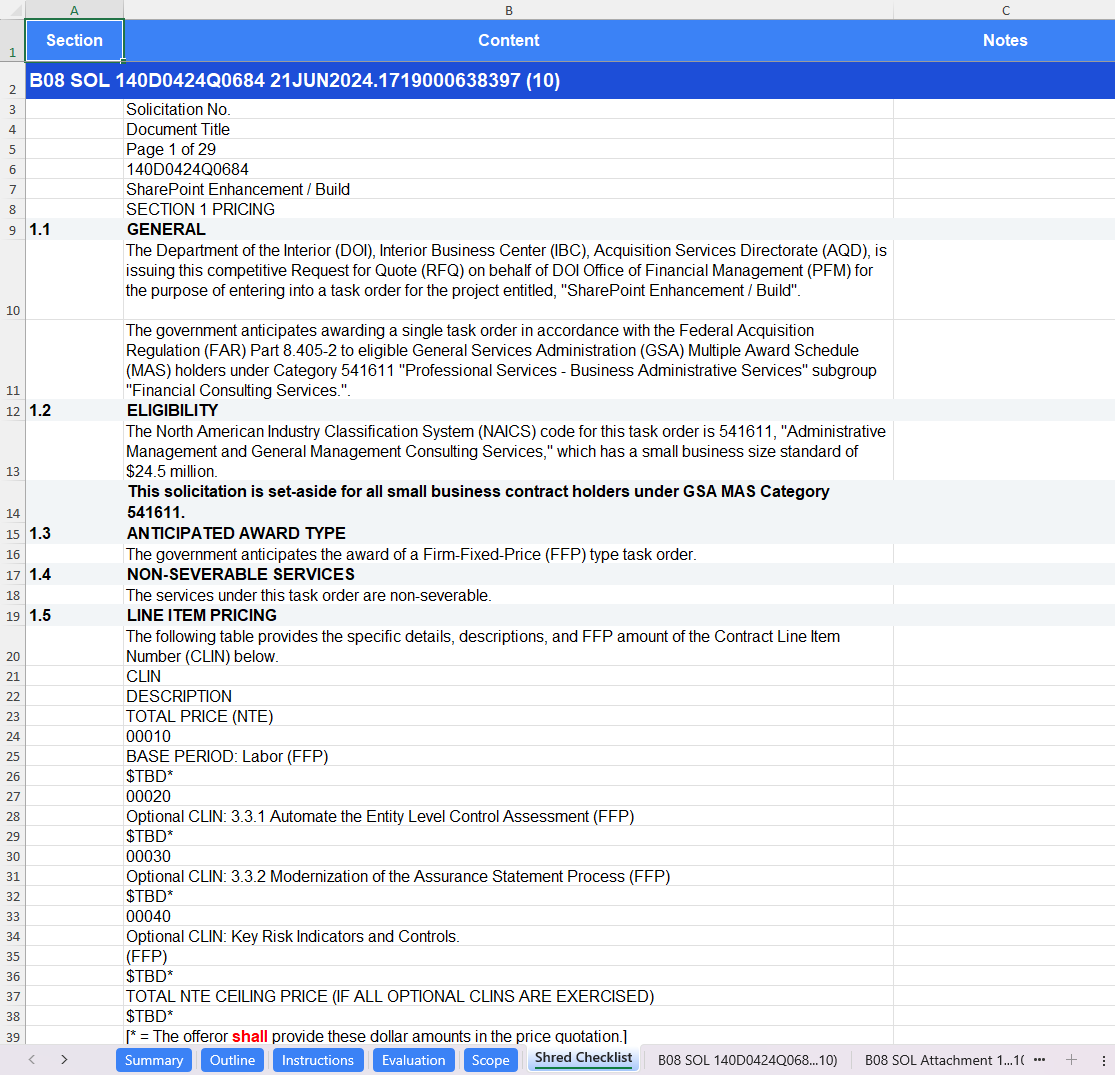
Compliance Matrix and Document Shreds
The Compliance tab contains the generated response compliance matrix and your solicitation package line-by-line document shreds. This tab provides you with a detailed breakdown of the compliance requirements against the outline, including preparation instructions (section L), scope from the PWS/SOW (section C), and evaluation criteria (section M).
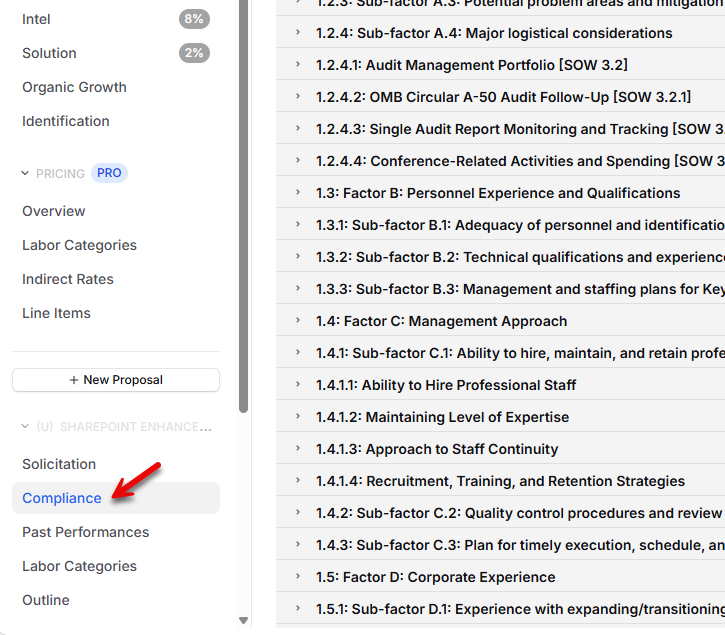
Reviewing Compliance
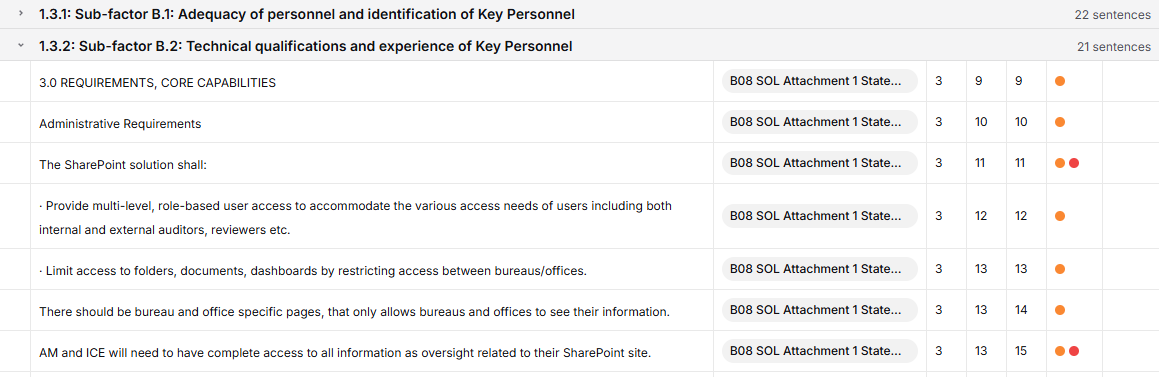
The Compliance tab allows you to view the extracted instructions, scope, and evaluation criteria mapped directly to the generated outline. By clicking on the outline section, GovDash will highlight the compliance requirements, the area of the document that the citation was pulled from, and the type of citation represented by colored dots. This gives you confidence that GovDash is extracting the correct information and allows you to cross-reference the actual documents with the requirement.
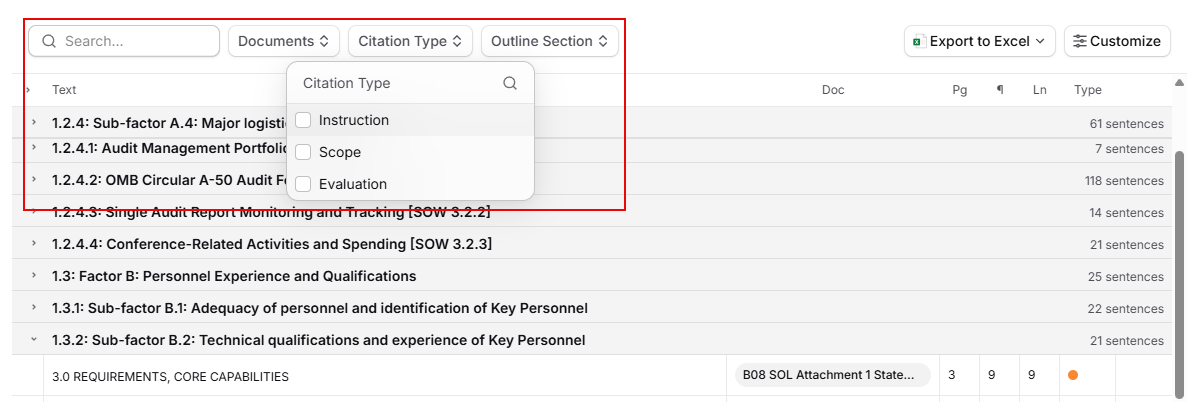
Filters and Search
You can adjust the grouping of the extracted requirements by utilizing the filters above the matrix, which will allow you to filter by your generated outline sections, by the document(s) they were extracted from, and citation type. Search is also available if you’re looking for specific words from the documents.
Editing Citations
To make changes/edits to these citations within your outline, please see our guide for editing section citations here.
Document Viewer
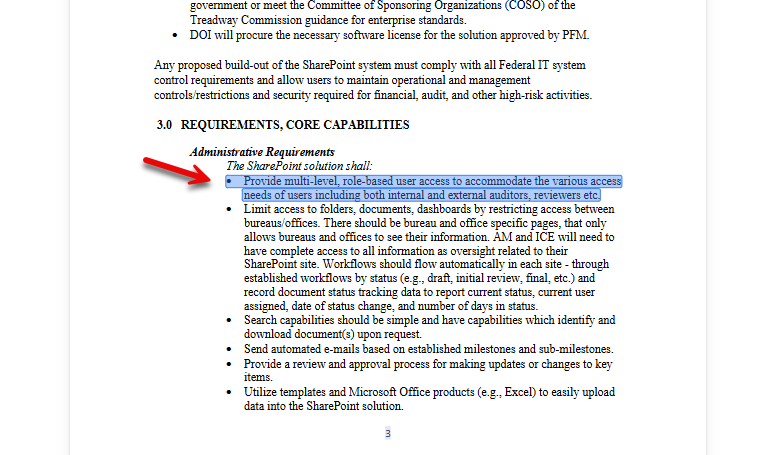
When clicking on a citation/extracted sentence within the matrix view, this provides you with the full solicitation document along with the highlighted area of the document that it was extracted from.
Exports
Using the Export to Excel button in the top right, you can export your full compliance package or quote cross reference matrix to Excel, formatted for easy review.
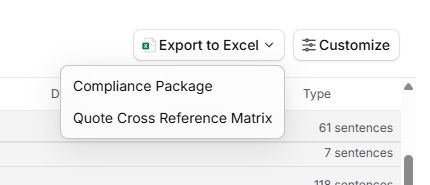
The full compliance package will contain your full outline with requirement mapping, section L/M/C extractions, a shred checklist, and individual document shreds.